
Machine-embroidery designs come in several file formats because different machine brands read different kinds of stitch data. Choosing the right one is the first step to a smooth project.
Start with your machine manual
Your machine documentation will list the file type it accepts. PES is common on Brother and Baby Lock machines, JEF is associated with Janome, and VP3 is used by many Husqvarna Viking and Pfaff workflows. DST is a widely supported commercial format, but it can carry less color information than some brand-specific formats.
Check hoop size too
A compatible format is only half the equation. The design must also fit inside your usable hoop area. Compare the exact design dimensions in the Etsy listing with the hoop size shown by your machine—not just the name printed on the hoop. Our embroidery hoop size guide explains how the listed size differs from the usable stitching area.
Keep the original download
Save the unedited files in a clearly labeled folder before transferring or converting anything. That gives you a clean source copy if you need to restart. Before stitching on a garment, also choose the right embroidery stabilizer for the fabric and design density.
Find a design for your machine
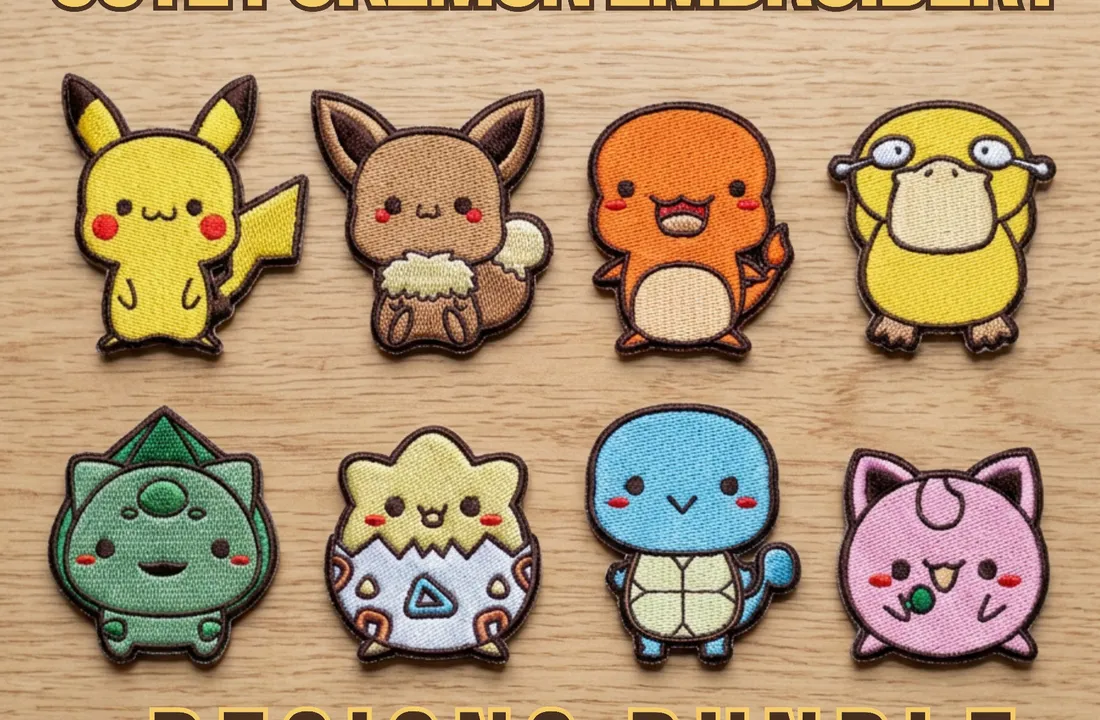
Explore our cute character embroidery designs and Eevee embroidery bundles. Confirm the included formats and exact design dimensions on the Etsy listing before ordering. Need a file made from your own logo or artwork? Our embroidery digitizing service delivers it in the format your machine reads.
Frequently asked questions
What is the difference between PES and DST?
PES is the Brother and Baby Lock format and stores color information. DST is a widely supported commercial format that stores stitches but less color information.
Which embroidery format does a Brother machine use?
Brother embroidery machines use PES files.
Can I convert an embroidery file to another format?
Embroidery software can convert between formats, but keep an unedited copy of the original download and check the result before stitching.