
The number printed on an embroidery hoop describes its general class, but your machine may allow a slightly smaller stitch area. Always compare the design’s exact width and height with the limits shown in your machine manual. You should also confirm that you downloaded the correct embroidery file format for your machine.
Common embroidery hoop sizes
Hoop names describe the approximate maximum stitch area. Exact limits vary by machine brand and model, so treat these as a starting point and confirm them in your manual.
| Hoop name | Approximate stitch area | Typical use |
|---|---|---|
| 4x4 | 100 × 100 mm (about 4 × 4 in) | Small patches, chest logos, kids’ clothes |
| 5x7 | 130 × 180 mm (about 5 × 7 in) | Sweatshirt chest designs, tote bags |
| 6x10 | 160 × 260 mm (about 6 × 10 in) | Larger front designs, cushions |
| 8x8 | 200 × 200 mm (about 8 × 8 in) | Large square designs, quilt blocks |
Rotate only when it helps
Some designs fit after a 90-degree rotation. Check the preview on your machine screen and confirm that the orientation works for your garment before stitching.
Leave room for placement
A design that technically fits can still sit too close to a seam, neckline or pocket. Mark the center point on the garment and preview the finished footprint before hooping. For stretchy garments, pair that placement check with the right stabilizer for sweatshirt embroidery.
Never force an oversized file
Resizing dense embroidery too far can change stitch density and underlay. Choose a supplied size that fits your hoop whenever possible.
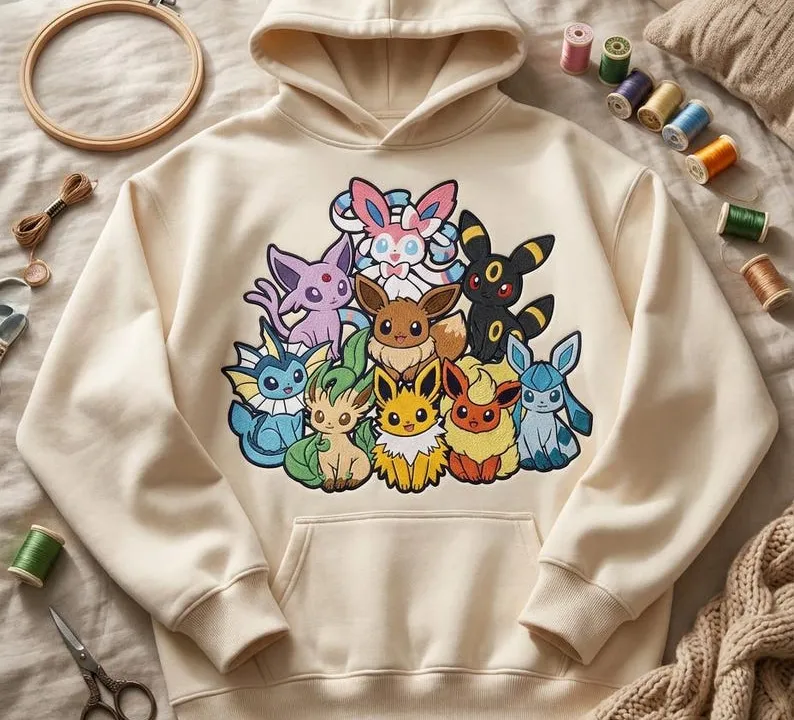
When browsing Eevee embroidery designs or personalized sweatshirt files, compare the Etsy listing’s dimensions with your machine’s usable stitch area before buying. Ask the shop first if you need a different size.
Frequently asked questions
What does a 4x4 hoop mean?
A 4x4 hoop has roughly a 4 by 4 inch (about 10 by 10 cm) stitching area. The exact usable area depends on your machine, so check the manual.
Can I resize an embroidery design to fit my hoop?
Small changes are usually fine, but resizing dense designs too far changes stitch density. Choose a supplied size that fits your hoop whenever possible.